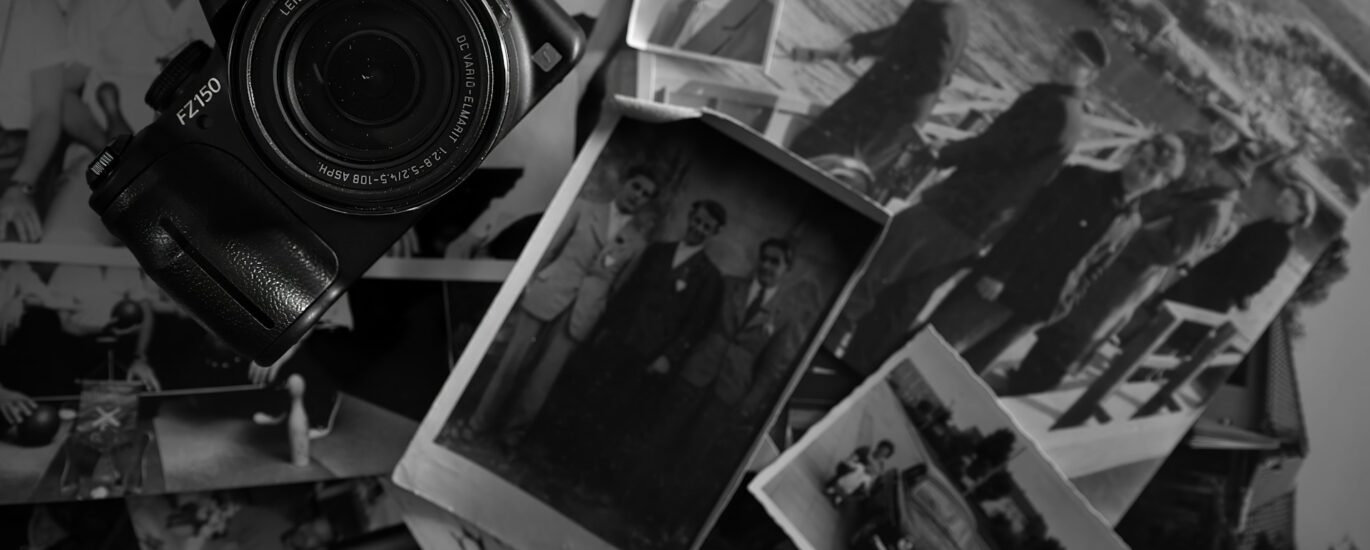
Most online roundups toss a bunch of tools into a single list. They don’t explain what makes each one different. The problem is, old photos degrade in different ways. One image has scratches; another has faded colors; a third is just plain low quality. No single tool handles all these cases equally well.
So, this list takes a different approach. Each tool listed here solves a specific problem. We think that helps you skip the “best tool” debate and figure out what actually works for your situation.
1. Renew Photo
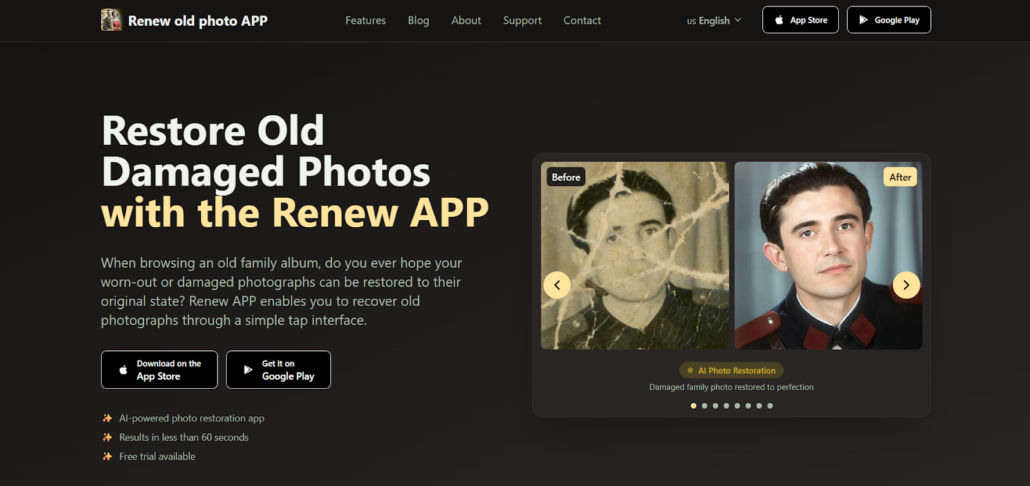
You have a photo with multiple issues: scratches, fading, and lost detail all in one. That’s exactly where Renew Photo fits.
Instead of handling each problem separately, it processes everything in a single pass. According to our data, this saves time and delivers a more consistent result than running an image through several different tools.
Here’s what makes it a solid universal option for complex photos with various types of damage:
- Processes multiple damage types in one go;
- Restores faded colors and missing details simultaneously;
- Removes the need for separate tools to fix different issues;
- Performs reliably on images with light to moderate damage;
- Keeps output consistent across various image conditions.
For a “one tool to rule them all” scenario, this is it.
2. RetroFix
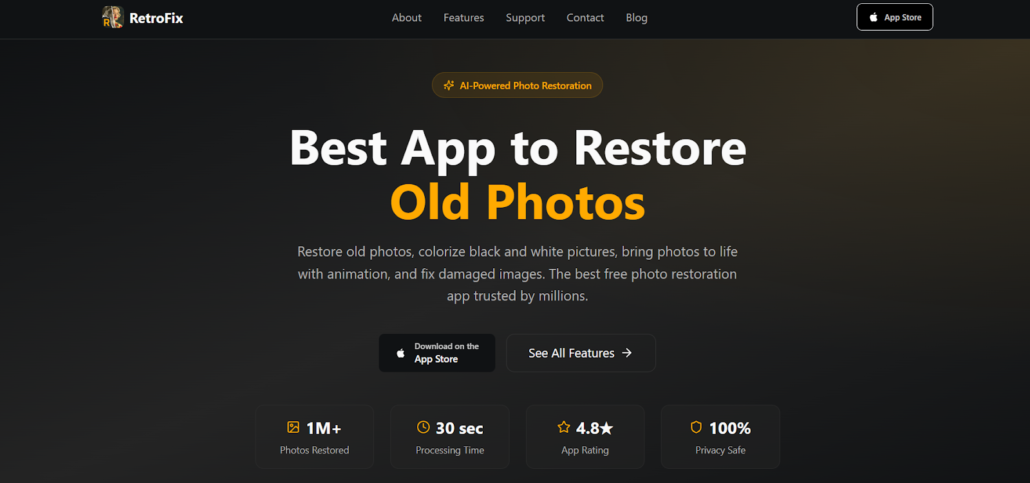
Sometimes you just need a quick fix, not a deep restoration. That’s RetroFix lane.
This tool prioritizes speed and mobile use over pixel-perfect precision. You won’t find complex sliders or advanced settings here. It’s built for when time is the main constraint.
For simple cases where you need results yesterday, here’s how it stacks up:
- Delivers a finished image in seconds;
- Built for mobile-first usage;
- Requires minimal steps from upload to final output;
- Handles light blur and minor defects;
- Works straight out of the box with zero configuration.
Think of it as the “fix it fast and move on” option.
3. VanceAI
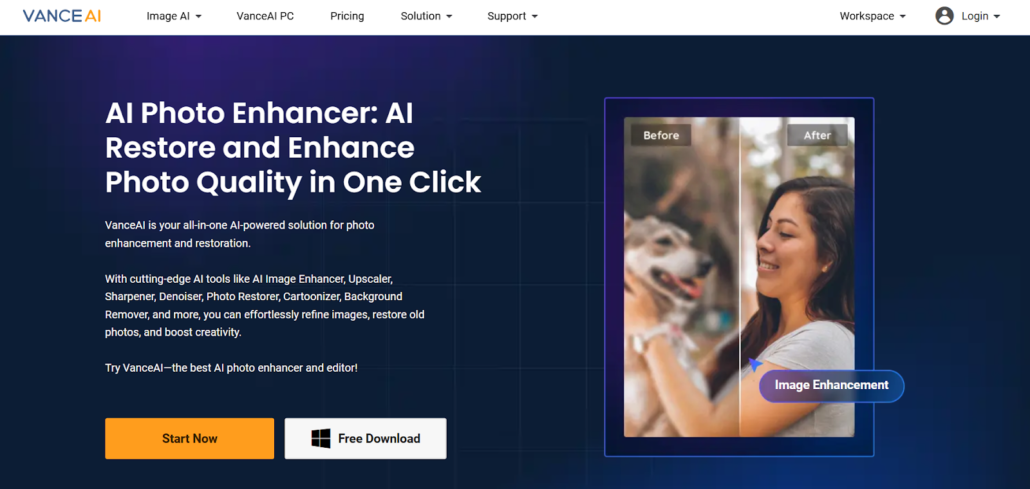
Some images need more than a quick pass. They need someone to pull details out of the shadows. VanceAI is for those deeper restoration jobs.
This tool leans into quality over speed. It uses advanced AI models to get more precise results, especially when the original photo is in rough shape. You trade a few extra seconds for a better outcome.
This is the choice for complex or heavily damaged photos:
- Uses sophisticated AI for deeper image restoration;
- Recovers fine details lost in old or compressed images;
- Reduces noise and visual artifacts effectively;
- Handles severely degraded photos better than basic tools;
- Provides more precise output than entry-level options.
In short, it’s the more advanced choice when quality is non-negotiable.
4. Remaker AI
What if parts of the photo are just… gone? Cracks across a face, a torn corner, a missing eye. That’s not a job for standard enhancement. That’s reconstruction.
Remaker AI doesn’t just improve what’s there; it generates new details where data is missing. The focus is heavily on facial reconstruction, which is often the hardest part to get right.
This tool is for the worst-case scenarios, where classic restoration isn’t enough:
- Rebuilds missing or heavily damaged image areas;
- Specializes in reconstructing facial features;
- Generates new visual details from incomplete data;
- Works effectively on extremely old or degraded photos;
- Goes far beyond standard AI enhancement techniques.
This is the option you pick when you need to rebuild, not just repair.
5. HitPaw Photo Enhancer
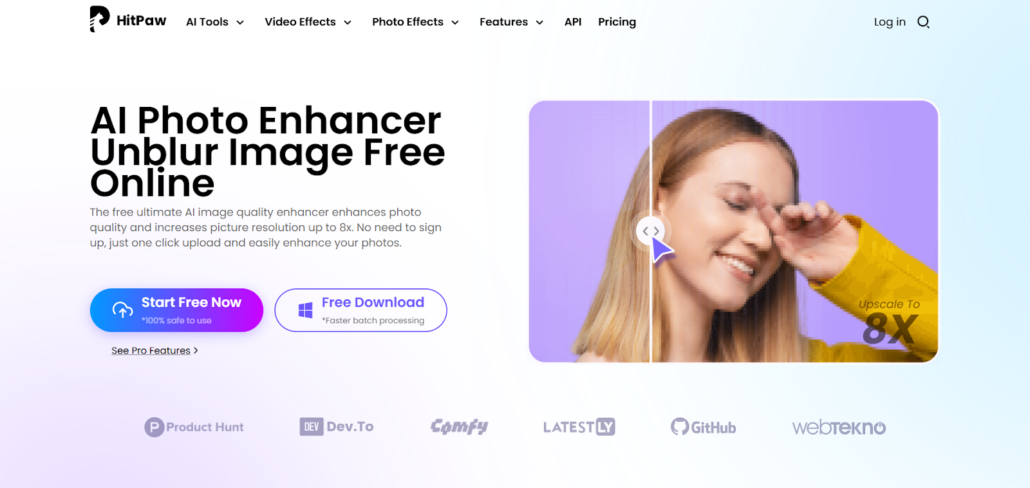
Let’s be clear: this one is more about improving quality than repairing damage. You use it when a photo looks weak, soft, noisy, or just low resolution.
HitPaw focuses on making an image look cleaner and sharper. It’s less about fixing a tear and more about turning a grainy, poorly scanned photo into something presentable.
Its main strength is the visual quality upgrade:
- Enhances resolution and overall sharpness;
- Reduces noise and visible compression artifacts;
- Improves clarity for low-quality source images;
- Performs well on photos with only minor damage;
- Prioritizes visual improvement over structural repair.
So, use this one when you want to improve, not necessarily restore.
6. Cutout.Pro

Cutout.Pro is the straightforward online tool. No installs, no complex dashboards, no learning curve.
It’s built for basic restoration tasks. You upload a photo, it runs an automatic process, and you get a result. The interface is minimal, which is the whole point.
For users who want a simple, no-fuss solution, consider these points:
- Fully web-based with zero installation required;
- Offers automatic restoration with minimal user input;
- Handles common defects and basic color issues;
- Uses an easy interface for quick, one-off use;
- Suitable for everyday photo fixes.
It’s the basic option. No extra features you won’t use.
7. DeepAI Image Enhancer
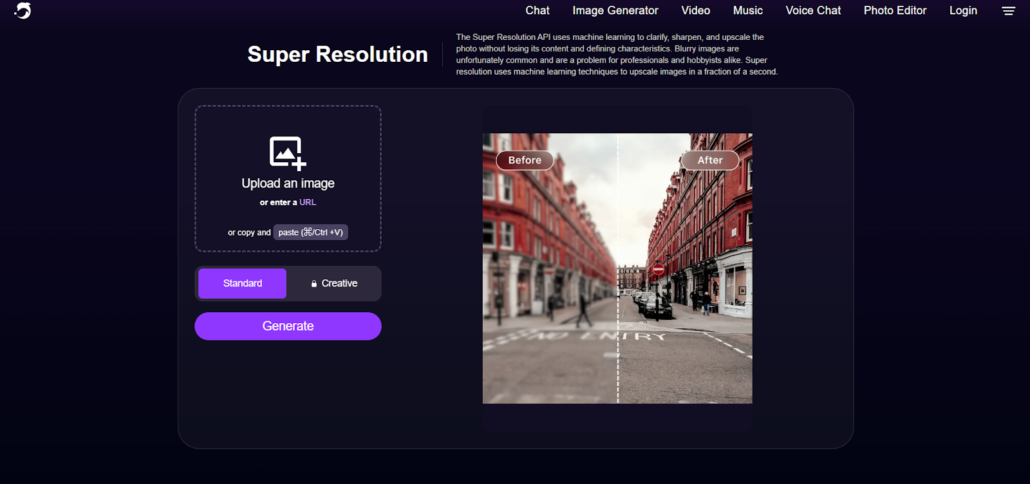
DeepAI offers a simple AI service without any complex logic. It’s the definition of a lightweight tool.
You don’t need any advanced knowledge to use it. It’s for quick, straightforward tasks where you just need a slight improvement, not a full restoration.
For fast and simple scenarios, this tool is a good fit:
- Uses lightweight AI for fast processing;
- Delivers results quickly with no complex steps;
- Improves basic image clarity and texture;
- Works well for addressing minor visual issues;
- Remains accessible for users without technical expertise.
Honestly, it’s the simplest option in the list.
How to Match the Tool to the Problem
Picking the “best” tool doesn’t work if you don’t know what you’re trying to fix. A more effective approach is matching the tool to the specific problem you have. Here’s a simple way to think about it based on our analysis.
The goal is to skip the guesswork:
- Use Renew Photo for photos with mixed, complex damage;
- Choose RetroFix when speed or mobile use is the priority;
- Pick VanceAI for deep restoration and detailed recovery;
- Use Remaker AI for missing areas, especially faces;
- Try HitPaw for improving overall quality and sharpness;
- Use Cutout.Pro for a simple, web-based restoration;
- Choose DeepAI for lightweight, quick AI fixes.
Using the right tool for the job saves time and gives you a better result.
Final Thoughts
Different tools fix different problems. A tool that’s great for scratches might be useless for faded colors. The real win is knowing what’s wrong with your photo first. Match that problem to the right tool from this list, and you’ll get a better outcome with less trial and error.